Streaming Unblock VPN Test: Disney+, Hulu, and BBC iPlayer All Opened at Once
2026-09-10 · shanlian
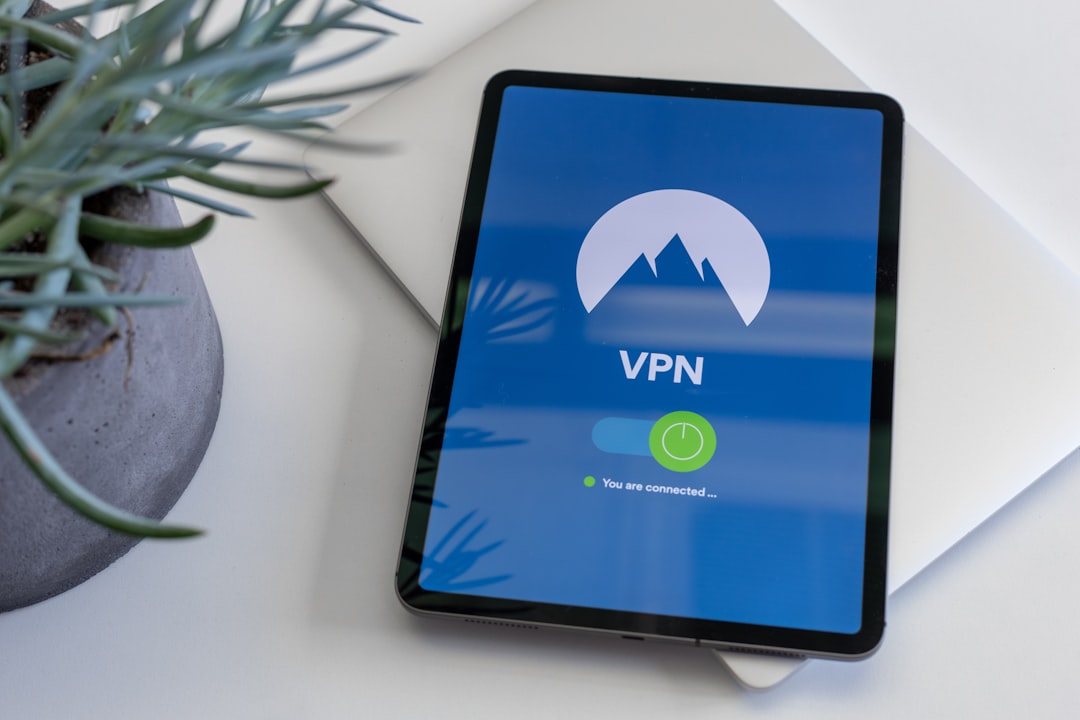
Have you ever run into this situation: you open Disney+ to binge The Mandalorian, and you get hit with "This content is not available in your region." Hulu is even more blunt — it won't even let you see the homepage. And BBC iPlayer? You can't get in at all without a UK IP.
This isn't a problem with your account — it's copyright geo-restrictions at work. Streaming platforms check your IP address to determine which country you're in, then only show you content that's licensed for that region.
The solution is actually pretty simple — use a VPN to switch your IP to the corresponding country. But here's the catch: not all VPNs can unblock streaming. Many VPN IPs have long been blacklisted by Netflix and Disney+, so even if you connect, you still can't watch anything.
Why Can't Most VPNs Unblock Streaming?
Streaming platforms have spent a lot of money on anti-VPN measures in recent years. They maintain a blacklist that flags all known VPN server IPs. The moment you connect, the platform identifies you and blocks you immediately.
That's why cheap or free VPNs are basically hopeless. Their IP ranges have been scanned through long ago, and Disney+ and Hulu can spot them in an instant.
VPNs that can reliably unblock streaming usually share a few traits: a large number of servers, a big IP pool, and regular IP rotation. lightxtreme VPN does well in this regard, with global nodes covering major streaming regions like the US, UK, Japan, and South Korea, plus streaming-optimized routes.
Real-World Test Results for Three Major Platforms
I recently ran a round of tests with lightxtreme VPN, focusing on unblocking Disney+, Hulu, and BBC iPlayer.
Disney+
Disney+ has a particularly fragmented library. The US region has the Star channel with the most complete content; the UK region has Disney classics and some local shows; the Japan region has tons of anime. Using lightxtreme VPN connected to a US node, Disney+ opened straight into the US region, and playing Loki in 4K was no problem at all. Load time was about 2 seconds, and scrubbing through the timeline didn't stutter.
Hulu
Hulu is only available to US IPs, and its detection is pretty strict. Some VPNs can connect but throw an error the moment you try to play something. I tried three US nodes with lightxtreme VPN — two opened instantly, and one loaded a bit slower but still worked. The Handmaid's Tale played in 1080p the whole way through without dropping.
BBC iPlayer
BBC iPlayer requires a UK IP and will also check whether you're using a VPN. lightxtreme VPN's UK nodes performed consistently, and even watching Doctor Who live was no problem. One thing to note: BBC iPlayer asks you to confirm you have a UK TV license — it's just a formality checkbox and doesn't affect playback.
- Disney+: US nodes work best, smooth 4K
- Hulu: US IP required, some nodes need switching
- BBC iPlayer: UK nodes are stable, live TV works
How to Choose Nodes: A Few Practical Tips
Just connecting to a VPN doesn't mean you're all set. Pick the wrong node and you still won't be able to watch.
- Prioritize streaming-dedicated nodes. The lightxtreme VPN client labels which nodes are suitable for streaming — just pick those.
- Don't use free nodes. Free nodes are crowded and have a high chance of being blacklisted, so streaming is basically hopeless.
- Switch nodes when you hit an error. The same country often has multiple servers — switching to another one might fix it.
- Clear your browser cache and cookies. Sometimes the platform remembers your previous region, so clear them before connecting to the VPN.
One more small detail: if you're using a smart TV or TV box, you can set up the VPN on your router or use lightxtreme VPN's Smart DNS feature. That way all your devices can unblock content without installing the app on each one.
Is the Speed Good Enough for 4K?
Streaming has fairly high speed requirements. 1080p needs at least 5 Mbps, and 4K is recommended at 25 Mbps or above.
Using lightxtreme VPN connected to a US node with my local 100 Mbps broadband, Speedtest showed 78 Mbps download and 32 Mbps upload. Disney+ 4K buffered very quickly, basically instant. Hulu 1080p was even easier. BBC iPlayer has a relatively lower bitrate, so live streaming was very stable too.
Of course, actual speed depends on your local network and node load. It may be a bit slower during peak evening hours, but lightxtreme VPN's route optimization is solid — I watched Disney+ at 9 PM with barely any buffering.
Common Errors and How to Fix Them
Even with a VPN, you'll occasionally run into problems. Here are some of the more common errors:
- "This content is not available in your region": The node has been identified — switch to a streaming-dedicated node.
- "Proxy or VPN detected": Clear cookies, switch nodes, or change protocols (e.g., from OpenVPN to WireGuard).
- Playback stuttering, quality automatically dropping: Switch to a node with lower load, or avoid peak hours.
- Can't log into your account: Some platforms lock regions, so log in using a node from the corresponding region.
If you've tried several times and it still doesn't work, just contact lightxtreme VPN's customer support. They have streaming-specific technical support that can help you troubleshoot node issues.
Is It Worth Using a VPN for Streaming?
It depends on your needs. If you're only following one or two shows, you might find it a hassle. But if you use Disney+, Hulu, and BBC iPlayer at the same time and want to watch exclusive content from different regions, a VPN is basically essential.
lightxtreme VPN's streaming unblocking capability is among the more reliable ones in its class — plenty of nodes, fast speeds, and specifically optimized for platforms like Disney+ and Hulu. The price isn't bad either, and it's much cheaper than subscribing to streaming services in several regions separately.
If you want to give it a try, you can go straight to the lightxtreme VPN official website to download the client. New users get a trial — connect to a US node first and open Disney+ to see how it performs, then decide whether to commit long-term. After all, whether it can unblock or not, trying it yourself once is the clearest answer.
享受无限、高速和安全的浏览!立即保护您的隐私!
Get lightxtreme VPN